
Introduction: Do You Really Need to Be a Programmer to Build Augmented Reality?
Augmented Reality (AR) has evolved in recent years from an experimental, futuristic technology into a practical tool for businesses, education, advertising, product visualization, and customer experiences. However, one of the biggest barriers preventing many teams from entering the AR world is the perception that developing AR experiences is highly complex.
In the past, creating a professional AR experience usually required programming knowledge, 3D engines, 3D modeling, Tracking systems, and in many cases, the development of a dedicated mobile application. Today, however, things are changing.
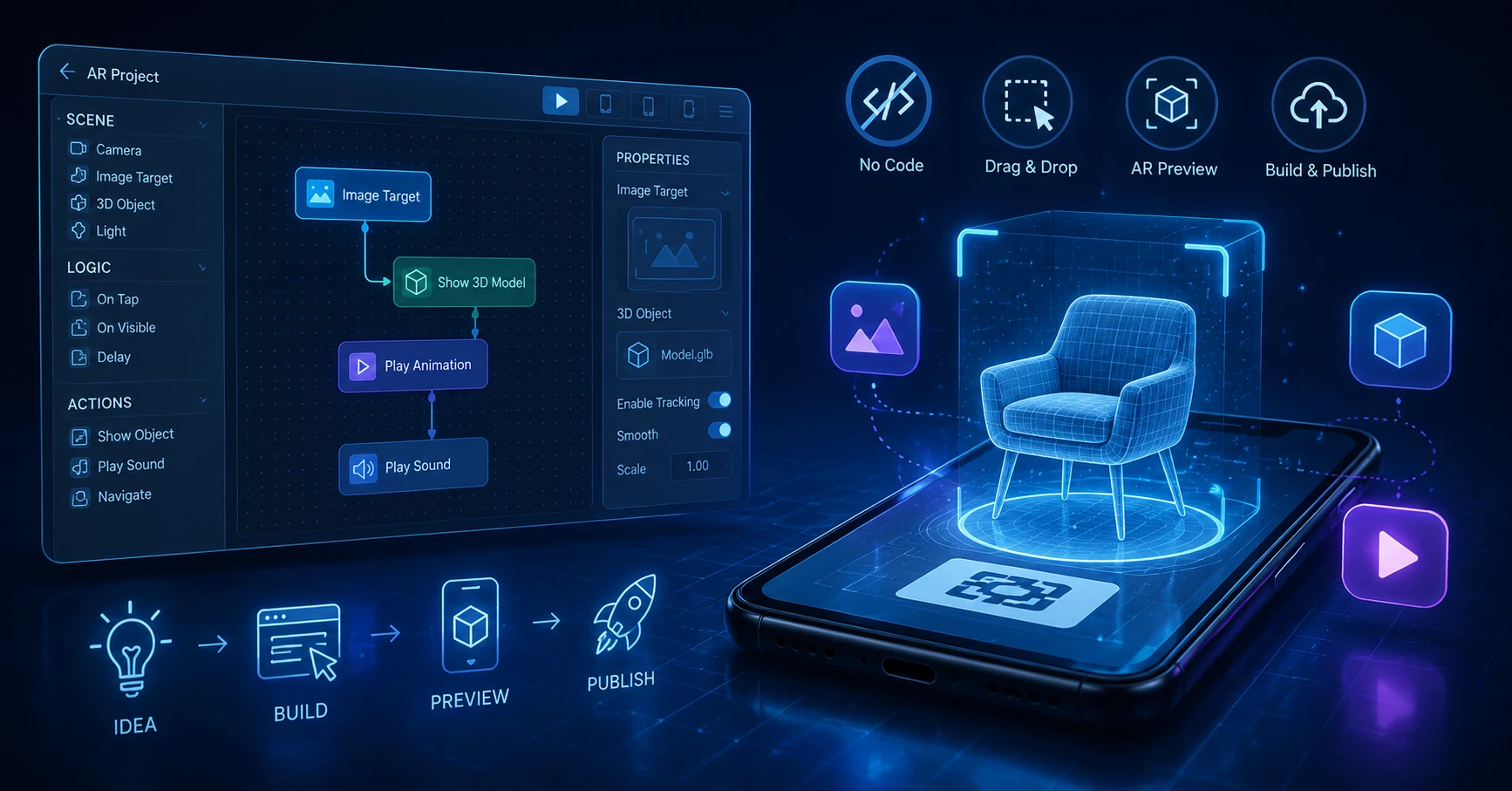
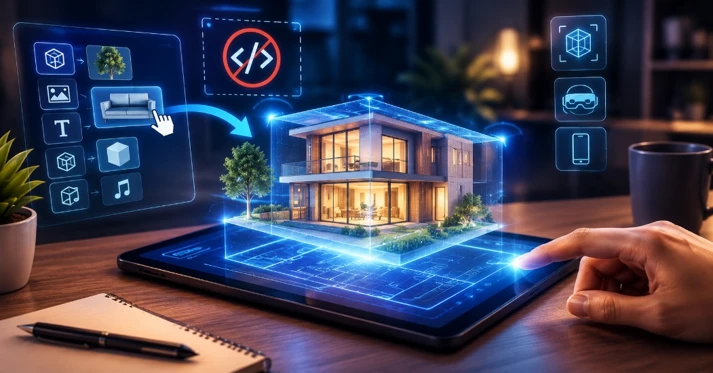
The emergence of No-Code and Low-Code AR platforms has made it possible for people without advanced programming skills to create many types of augmented reality experiences using visual interfaces, Drag & Drop tools, ready-made templates, and 3D assets.
This transformation is especially valuable for businesses that want to test ideas faster. Product designers, marketing teams, and business managers can create an initial AR prototype, test it with users, and evaluate the concept before investing heavily in full-scale development.
For technology companies such as Pishgaman Lotus, this approach can also be highly useful during the prototyping, UX design, and feasibility stages of AR projects. Not every first version of a product needs to be built using the most complex technology available.
What Exactly Is No-Code AR?
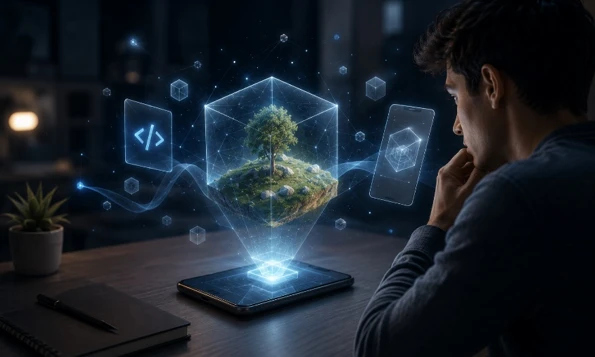
No-Code AR refers to a group of tools and platforms that allow users to create augmented reality experiences without directly writing code.
These platforms typically provide a visual interface where users can add 3D models, images, videos, audio, buttons, and other interactive elements to a scene.
For example, imagine that a furniture retailer wants to allow customers to see how a sofa would look inside their own home before purchasing it.
Using a No-Code platform, the general process might look like this:
First, the 3D model of the sofa is uploaded. Then, the appropriate Tracking method is selected. Next, the model's behavior, size, position, and interactions are configured. Finally, a link or QR Code is generated so users can access the AR experience.
In this process, many tasks that previously required software development have been transformed into visual configuration.
However, No-Code does not mean that complex technology has disappeared. Tracking engines, 3D rendering, image recognition, WebGL, and other technologies still operate behind the scenes. Users simply do not have to manage these technical layers directly.
Why Has No-Code AR Become So Popular?
The first major reason is development speed.
When a team does not have to build an entire application from scratch just to create an AR prototype, the time required to test an idea can be significantly reduced.
The second reason is lower initial cost. For a small advertising campaign, developing a dedicated mobile application may not make economic sense, while a WebAR experience can be a more practical solution.
The third reason is that No-Code tools allow non-technical team members to participate. UI/UX designers, marketing specialists, and product managers can create and test significant parts of an experience without being completely dependent on developers.
For technology teams such as Pishgaman Lotus, No-Code tools can work alongside professional software development. In other words, No-Code is not necessarily a replacement for programming; it can accelerate the Prototype and MVP stages of a project.
Zapworks: From No-Code Design to Professional Development
Zapworks is one of the well-known ecosystems for developing XR experiences and provides No-Code, Low-Code, and SDK-based tools.
One of its tools, Zapworks Designer, is designed for creating WebAR experiences through a visual interface and supports the creation of 3D and interactive content without requiring traditional coding.
One of Zapworks' major advantages is that it is not limited to No-Code development. If a project becomes more advanced, teams can move toward more sophisticated tools such as Mattercraft or developer SDKs.
This is particularly important for enterprise projects. A team may initially create a simple AR campaign but later require advanced Tracking, complex interactions, or integration with other systems.
Therefore, Zapworks is particularly suitable for teams looking for a balance between initial simplicity and future scalability.
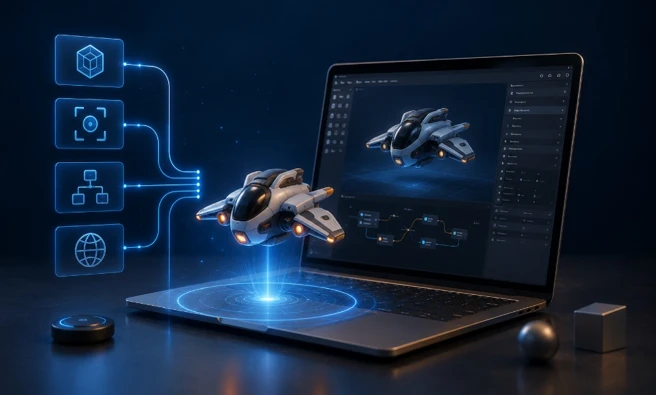
MyWebAR: Building AR Experiences with Drag & Drop
MyWebAR is another suitable option for creating WebAR experiences without requiring traditional programming.
The platform provides a visual editor where users can add images, videos, 3D models, audio, and interactive elements to an AR scene. According to its official documentation, users can build projects using Drag & Drop and then publish them.
MyWebAR supports different scenarios, including Image Tracking, World Tracking, Object Tracking, product packaging experiences, product visualization, and face filters.
One of the key advantages of this approach is browser-based accessibility. In many projects, users do not need to install a dedicated application before accessing the AR experience.
For example, a brand can place a QR Code on its product packaging. Customers scan the code, open the WebAR experience, and interact with 3D content or additional product information.
MyWebAR also provides a PRO Editor for more advanced users, offering capabilities such as custom code and more advanced 3D features.
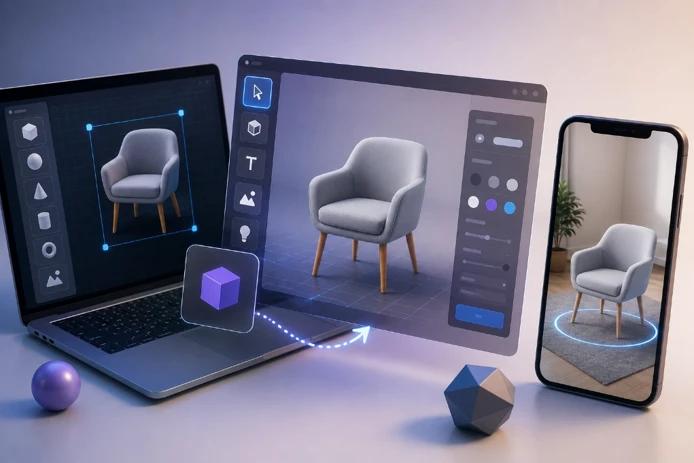
ARLOOPA Studio: Suitable for Rapid Prototyping
ARLOOPA Studio is another platform designed to make AR experience development easier for non-technical users.
The advantage of these types of tools is that users can start with ready-made elements and visual environments instead of building an entire project from scratch.
For marketing teams and product designers, this can be extremely valuable. Imagine a company wants to launch an AR-based advertising campaign. Before investing in full development, the team can create a prototype, test it on several smartphones, and analyze how users respond.
In comparisons of No-Code AR tools, ARLOOPA Studio, Zapworks, MyWebAR, Blippar, and Kivicube are among the platforms considered for different WebAR and No-Code use cases.
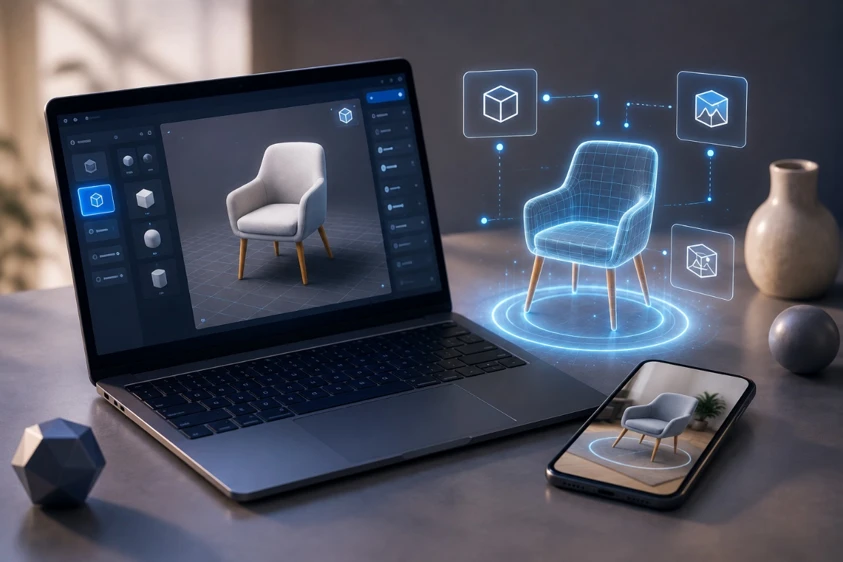
Kivicube: Fast WebAR Creation and Publishing
Kivicube focuses on creating WebAR experiences through an online and Drag & Drop environment.
According to the platform's official information, users can import images, 3D models, and videos, configure interactions, and publish the final experience using links or QR Codes.
This approach is particularly useful for campaigns where speed of deployment is important.
For example, a company can print a promotional poster with a QR Code. When customers scan the code, they are taken directly into an AR experience featuring 3D content, video, or additional product information.
As a result, the gap between physical advertising and digital experiences becomes much smaller.
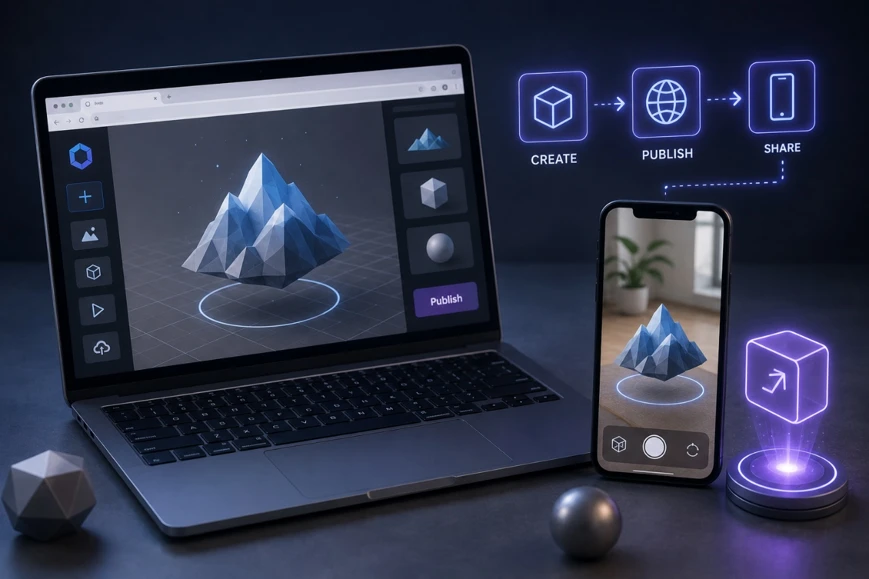
Hololink: Designing WebAR Experiences with Storyboards
Hololink is another platform designed to help users build WebAR experiences without traditional coding.
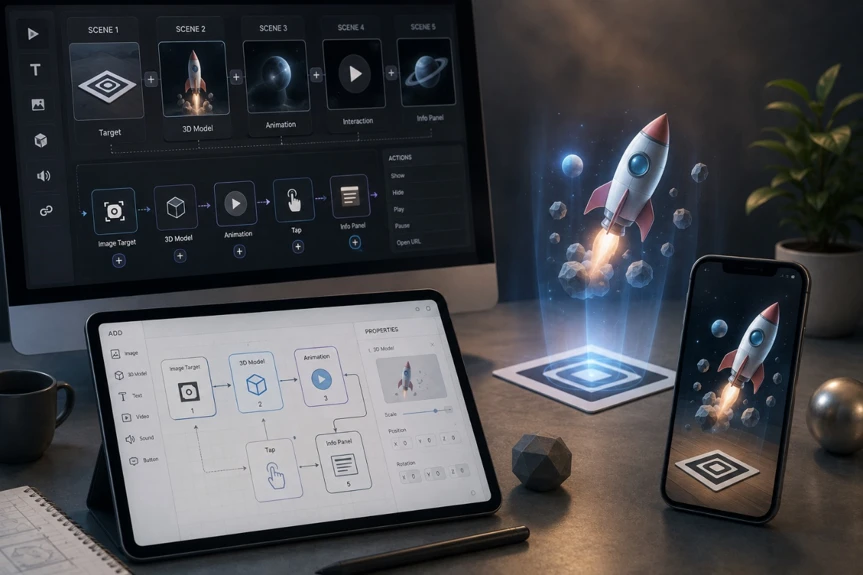
Users can add 3D models, images, videos, and audio to scenes and configure different interactions through a visual interface. Its Storyboard system can also be used to design the user's journey across multiple scenes.
This capability is particularly useful for experiences that involve multiple steps.
For example, an AR training experience could be structured as follows:
The user enters the experience, views a 3D model, selects a specific component, receives additional educational information, and then moves to the next stage by selecting a button.
This entire flow can be created without directly writing code.
What Types of AR Projects Can Be Built Without Coding?
It would be a mistake to limit No-Code AR to simple filters. Today, these tools can support a wide range of AR experiences.
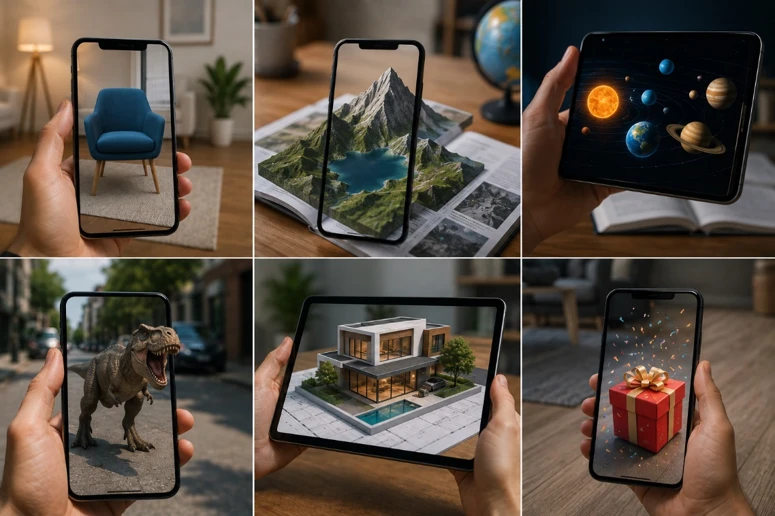
3D Product Visualization
One of the most important applications is displaying products in 3D.
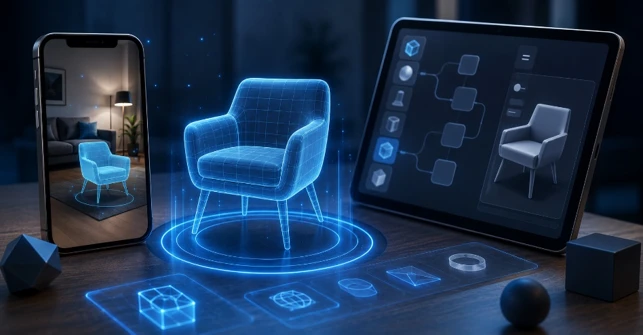
For example, a furniture company can allow customers to visualize a product inside their real environment. Users can change the product's position and size and gain a better understanding of how it will look before purchasing.
Smart Packaging
Packaging can become more than a static physical surface; it can serve as an entry point to a digital experience.
By scanning the package, users can access videos, product information, usage instructions, 3D models, or purchasing options.
Education and Learning
AR can make complex concepts more visual and interactive.
For example, instead of seeing only a picture of an engine in a textbook, students can view a 3D model on their device and explore its different components interactively.
Employee Training
AR can also be used for training employees in industrial environments.
A user can point a smartphone or tablet at a machine and see instructions related to different components displayed directly over the real-world equipment.
Interactive Advertising
A standard advertising poster can be transformed into a multimedia experience using AR.
Users scan the poster and a 3D model, video, or purchase button appears on top of the real-world image.
WebAR or a Dedicated AR Application?
One of the most important decisions when starting an AR project is whether the experience should be developed as WebAR or as a dedicated application.
With WebAR, users can generally access the experience through a browser without installing a dedicated application. This makes it highly attractive for advertising campaigns and short-term experiences.
A dedicated AR application, on the other hand, provides greater control over the execution environment, device capabilities, performance, and complex integrations.
Therefore, it would be incorrect to say that WebAR is always better.
If the goal is a fast campaign, prototype, product visualization, or advertising experience, WebAR can be an excellent option.
However, if the project requires intensive processing, complex interactions, extensive hardware access, or deep integration with enterprise systems, custom application development may be more appropriate.
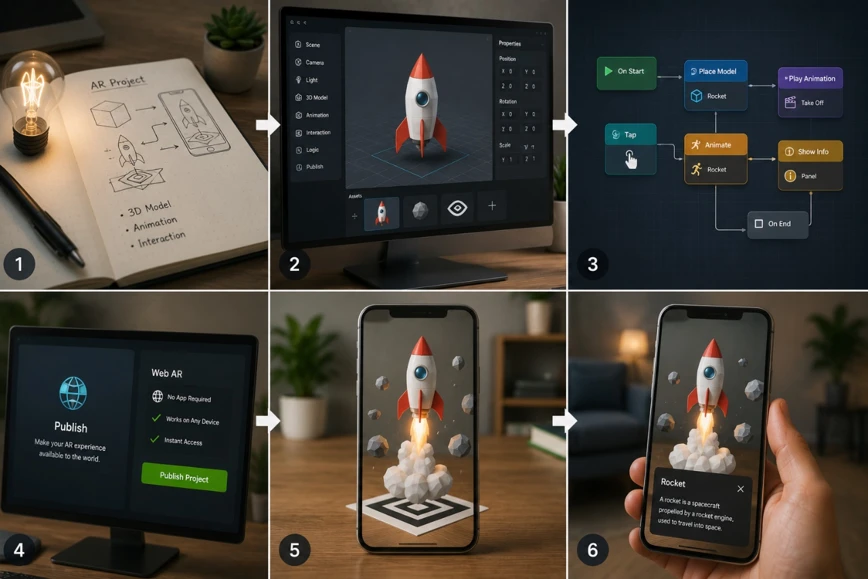
The Process of Building a No-Code AR Project
When starting a No-Code AR project, it is better to define the problem first rather than immediately choosing a technology.
Step 1: Define the Goal
First, determine what the AR experience is supposed to achieve.
Is the goal to increase sales, provide training, advertise a product, visualize an object, or entertain users?
Step 2: Choose the Tracking Method
Next, determine what will trigger the AR experience.
It could be an image, product packaging, a real-world surface, the user's face, an object, or even a geographic location.
Step 3: Prepare the Assets
3D models, images, videos, and audio files need to be prepared.
The quality and optimization of 3D models are particularly important because excessively large files can negatively affect performance.
Step 4: Build the Experience
Inside the No-Code environment, elements are added to the scene and their position, size, animation, and behavior are configured.
Step 5: Design Interactions
At this stage, determine what the user can do.
For example, tapping a model could display additional information, approaching an object could trigger an animation, or selecting a button could move the user to another scene.
Step 6: Test on Real Devices
This is one of the most important stages.
An experience that looks great on a computer may perform differently on a smartphone due to environmental lighting, internet speed, processor capabilities, or screen size.
Step 7: Publish
Finally, the experience can be distributed through links, QR Codes, or other publishing methods supported by the selected platform.
Advantages of Developing AR with No-Code Tools
The biggest advantage of No-Code is speed.
Teams can test an idea quickly and identify weaknesses before making a major investment.
Another advantage is reduced dependence on developers during the early stages. Designers and product managers can directly participate in building prototypes.
The third major benefit is that No-Code tools are highly suitable for MVP development. If a company is unsure whether an AR feature will actually provide value to users, it can first test a simplified version.
No-Code tools can also complement professional software development services. This is why companies such as Pishgaman Lotus can use these platforms to validate ideas quickly and, if the prototype succeeds, move toward developing a custom and scalable product.
Limitations of No-Code AR
Despite their advantages, No-Code platforms are not suitable for every project.
One limitation is dependence on the platform's available features. If a particular capability is not supported, it may not be possible to implement it without custom development.
The second limitation is reduced control over the underlying infrastructure.
For highly complex projects, custom development usually provides greater flexibility in controlling performance, Tracking, APIs, and software architecture.
Cost and commercial-plan limitations should also be considered. For example, MyWebAR offers a free plan alongside commercial plans with different features and limitations.
Therefore, before selecting a platform, teams should consider how much the project is expected to grow in the future.
How to Choose the Best AR Platform
Choosing an AR platform should not be based solely on the number of available features.
The first consideration should be the type of experience you want to build.
If the project is a simple WebAR campaign, fast browser-based tools may be the best option.
If the project requires more sophisticated 3D experiences, the platform should ideally provide a path from No-Code to Low-Code or SDK-based development.
The following factors should also be evaluated:
Tracking capabilities:
Image Tracking, World Tracking, Face Tracking, or Object Tracking.
Publishing options:
Links, QR Codes, WebAR, or dedicated applications.
3D asset support:
Supported formats, file size limitations, and rendering quality.
Analytics:
The ability to measure users, interactions, engagement, and behavior.
Future scalability:
Whether APIs, SDKs, or custom coding can be introduced if the project becomes more complex.
Branding:
Whether the experience can be customized according to the company's visual identity.
Cost:
Whether the platform's pricing is compatible with the project's expected scale and future usage.
The Role of No-Code in the Future of AR Development
No-Code is not going to eliminate programming from the AR industry.
Instead, these two approaches are increasingly becoming complementary.
For simple projects, No-Code may be sufficient to cover the entire development process. For medium-sized projects, No-Code and Low-Code can be combined. For complex projects, No-Code can be used for prototyping and initial experience design before professional developers take over the implementation.
This approach makes the development process more flexible.
For technology companies such as Pishgaman Lotus, combining product design, software development, UI/UX, and emerging technologies can make it possible to create AR experiences based on real business requirements.
In this environment, the most important question is no longer:
“Do we need to write code?”
Instead, the better question is:
“Which parts of this project should be built with No-Code, and which parts require custom development?”
Conclusion: Start Fast, but Build for the Future
Developing augmented reality applications no longer necessarily means immediately entering the complex world of programming, 3D engines, and dedicated application development.
Platforms such as Zapworks, MyWebAR, ARLOOPA Studio, Kivicube, and Hololink demonstrate that many AR experiences can be created using visual interfaces, Drag & Drop workflows, and ready-made tools.
These tools allow businesses to test ideas faster, create prototypes, and evaluate user interest without making a major initial investment.
However, choosing No-Code should not mean ignoring custom development. The best approach is to first understand the project's requirements and then select the appropriate level of technology.
For a simple campaign, WebAR and No-Code may be more than enough. For a complex enterprise platform, however, a combination of No-Code, Low-Code, and custom development may deliver better results.
Ultimately, the future of AR does not belong only to teams that can code faster. It belongs to teams that can test ideas faster, evaluate user experiences more effectively, and choose the right technology for each stage of development.
In this journey, companies such as Pishgaman Lotus can combine emerging technologies, product design, UI/UX, and software development to shorten the path from an AR concept to a real, scalable, and practical product.
Our articles:"VR vs AR Headsets"
Similar Blogs


Have special project to begin?
Contact us if you need a unique website for your special requirements, if you think having a mobile application help you reach your business’s goals or you still do not recognize which product can help you implement your ideas. Lotus Pioneers accompany you to develop your business through consulting and by designing special products.