Smartwatch App Development
Smartwatch App Development

Introduction: When Apps Move from Your Pocket to Your Wrist
Wearable devices, especially smartwatches, are no longer simply tools for displaying the time or receiving notifications. Modern smartwatches can monitor heart rate, physical activity, location, sleep patterns, and other data while also allowing users to interact with a wide range of applications.
This transformation has turned wearable app development into a specialized area of mobile software development. A successful smartwatch application cannot simply be considered a smaller version of a mobile app. Screen size, interaction methods, battery limitations, sensors, connectivity with smartphones, and the conditions in which users interact with the device all have a direct impact on software architecture and user experience.
For companies such as Pishgaman Lotus, which work in mobile software development and digital product design, understanding these differences is increasingly important. The future of applications is no longer limited to smartphones; instead, user experiences are expanding toward connected and wearable devices.
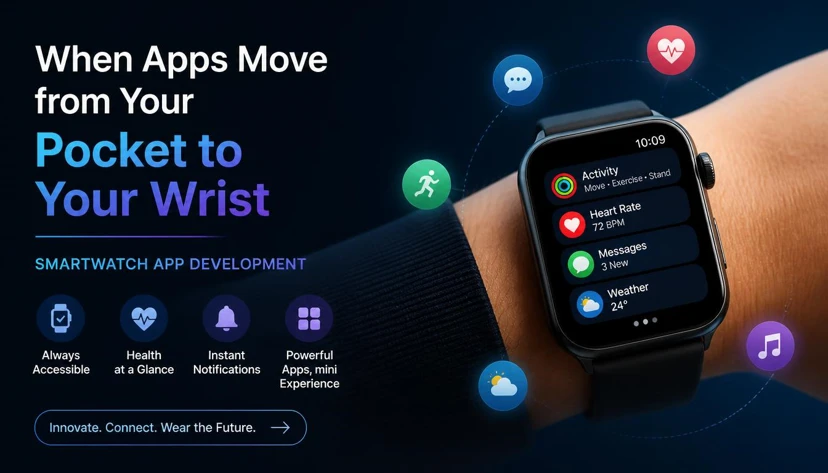
How Is a Smartwatch Different from a Smartphone?
The first principle developers need to understand is that a smartwatch is not simply a smaller smartphone.
Users may spend several minutes or even longer interacting with a smartphone, while smartwatch interactions often take only a few seconds. A user may check their watch while running, driving, attending a meeting, or walking down the street.
This means wearable applications need to present important information quickly and clearly.
For example, in a fitness application, heart rate, distance, and workout duration should be immediately visible. Requiring users to navigate through multiple screens makes the experience unnecessarily complicated.
Therefore, the first principle of wearable development is simple:
A smartwatch application should be designed for the wrist, not simply scaled down from a smartphone application.
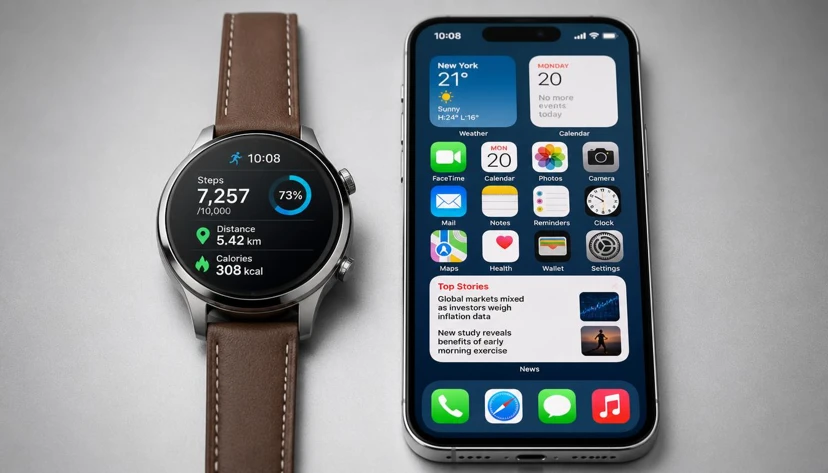
User Interface Design: Smaller Means Simpler
Smartwatches have significantly less screen space than smartphones. Developers cannot simply transfer the same number of buttons, menus, cards, and information elements from a mobile application onto a watch.
When designing a wearable interface:
Important information should receive the highest priority.
The number of steps required to complete an action should be minimized.
Interactive elements should be large enough to use comfortably.
Long text should be reduced or eliminated.
Unnecessary information should not be displayed simultaneously.
Primary user flows should be short and easy to understand.
A successful smartwatch interface focuses on essential tasks rather than attempting to reproduce the entire mobile experience.
This means wearable UX design is less about showing more information and more about selecting the right information.
Glanceability: Users Should Understand Information at a Glance
One of the most important concepts in wearable application design is glanceability.
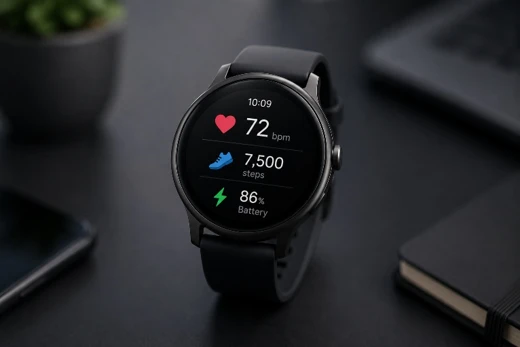
Imagine that a user is running and wants to check their heart rate. They should not have to open several screens, navigate through menus, and analyze a complicated chart.
The most important information should be understandable immediately.
For example:
Good:
Heart Rate: 124 BPM
Poor:
Open Health → Select Heart Rate → Select Time Range → Open Chart → Check Current Value
More detailed information can remain available through the smartphone application, where there is significantly more screen space for analysis.
The smartwatch should provide immediate information, while the smartphone can provide deeper insights and detailed data.
Architecture: Connecting the Watch, Smartphone, and Cloud
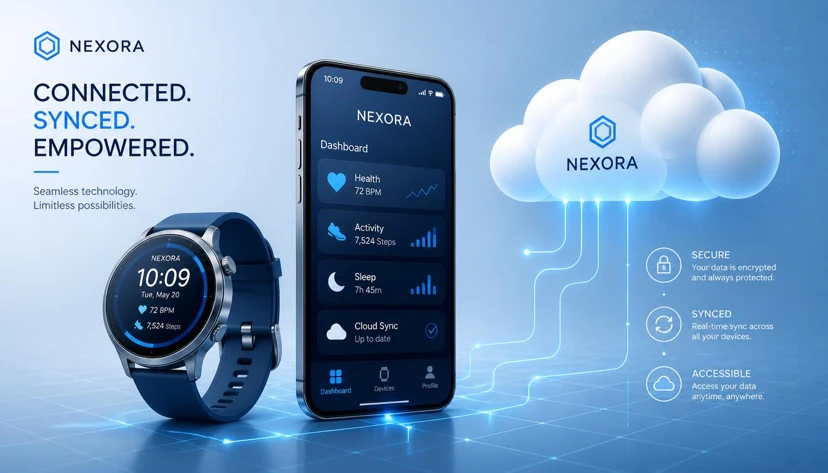
One of the biggest challenges in wearable application development is communication between multiple devices.
A wearable product may consist of three primary components:
Smartwatch → Mobile Application → Backend / Cloud
For example, the smartwatch may collect fitness data, the smartphone may receive and process that information, and the backend may store it for future access.
However, a smartwatch does not always need to depend entirely on a smartphone.
Modern wearable applications can be designed as standalone applications, allowing certain features to work without a direct smartphone connection. Other products can follow a hybrid approach, where essential features run on the watch while advanced functionality depends on the smartphone.
Choosing the right architecture should happen at the beginning of the project.
For complex projects developed by teams such as Pishgaman Lotus, this decision can directly affect software architecture, security, development costs, scalability, and the final user experience.
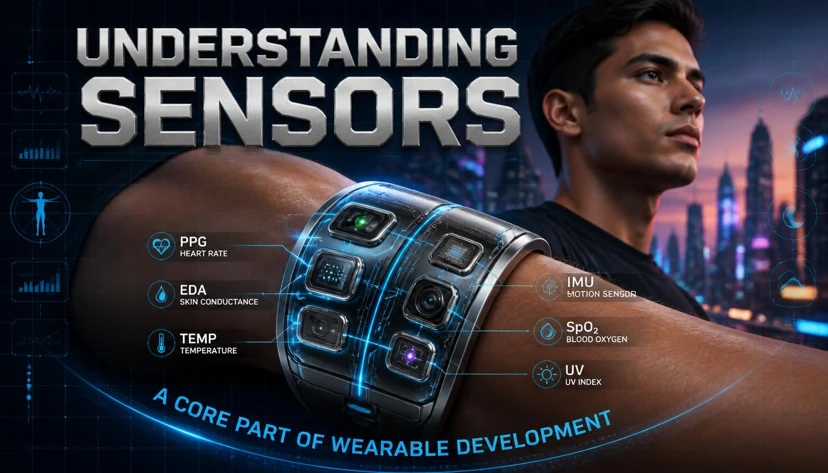
Understanding Sensors: A Core Part of Wearable Development
One of the biggest differences between smartwatches and smartphones is their access to specialized sensors.
Depending on the device, a smartwatch may include:
Accelerometer: Detects movement and acceleration.
Gyroscope: Detects rotation and orientation.
Heart Rate Sensor: Measures heart rate.
SpO₂ Sensor: Measures blood oxygen levels on supported devices.
GPS: Provides location information.
Barometer: Detects changes in elevation.
ECG: Records electrical heart signals on supported devices.
However, developers must remember that not every smartwatch includes all of these sensors.
Applications should therefore be designed according to the actual capabilities of the target devices rather than assuming that every smartwatch provides the same hardware.
Before development begins, developers should carefully review the APIs, permissions, hardware capabilities, and platform limitations of the target devices.
Battery Consumption: The Hidden Challenge of Wearable Apps
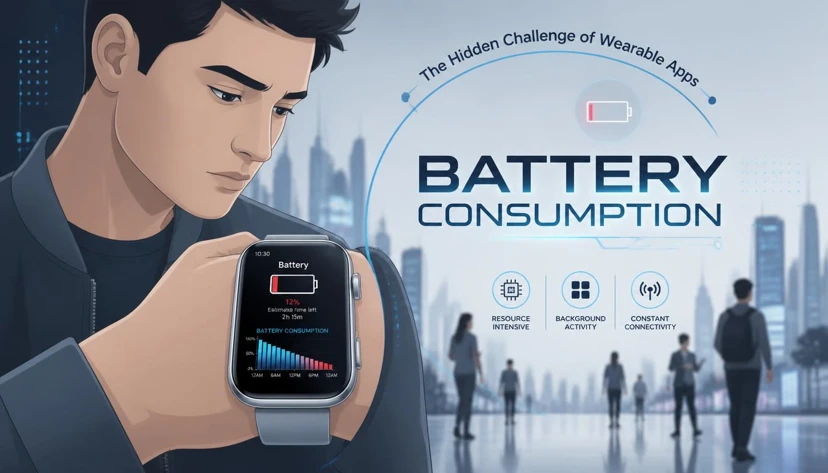
Battery life is one of the most important considerations in smartwatch development.
Smartwatches generally have much smaller batteries than smartphones. An application can function perfectly from a technical perspective but still provide a poor experience if it drains the battery too quickly.
Continuous GPS tracking, frequent sensor readings, heavy processing, and unnecessary background activity can significantly increase power consumption.
Developers should therefore minimize unnecessary operations and carefully determine when each feature needs to run.
For example, if an application only needs motion data every few seconds, it may not be necessary to keep a sensor active continuously at its highest sampling rate.
Battery optimization should not be considered an afterthought. It should be part of the application's architecture from the beginning.
Notifications Should Be Designed Intelligently
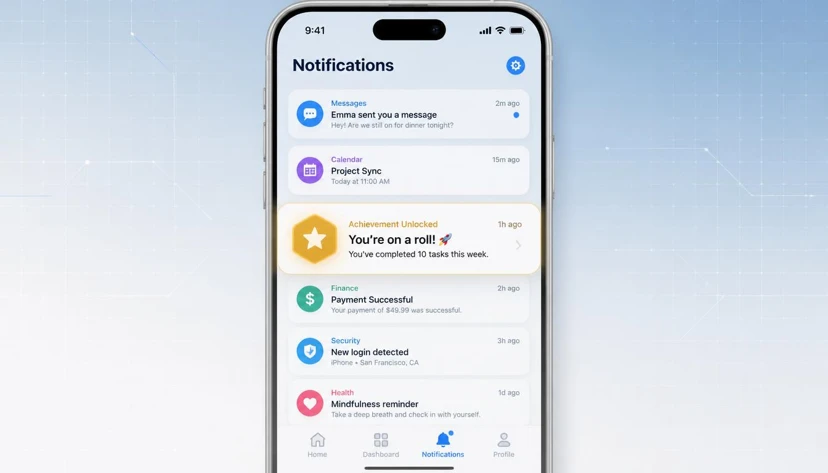
One of the most common uses of smartwatches is receiving notifications. However, displaying every smartphone notification on the watch does not necessarily create a good user experience.
A well-designed application should determine which notifications are actually important enough to appear on the user's wrist.
For example:
Important:
“Your meeting starts in 10 minutes.”
Less important:
“You received 3 new messages in a group.”
In some cases, a notification can be even more useful when it provides a quick action instead of a long message.
For example:
Accept | Decline
or:
Pause | Resume
This approach turns the smartwatch into a fast interaction tool instead of simply turning it into a miniature notification screen for the smartphone.
Touch Is Not the Only Interaction Method
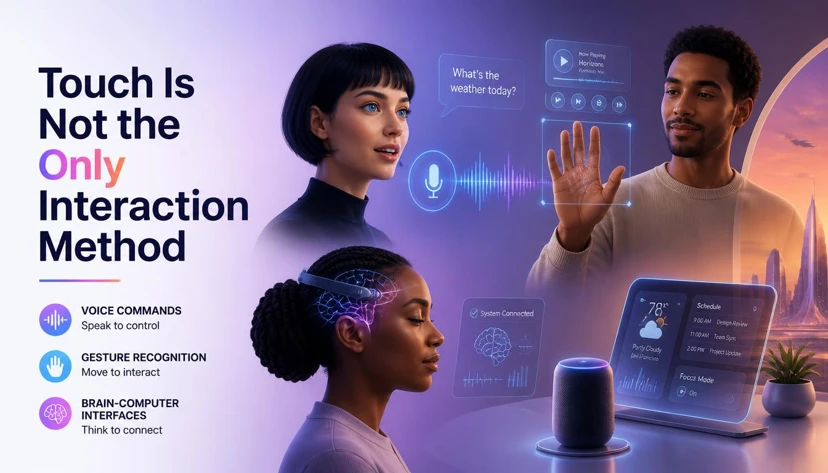
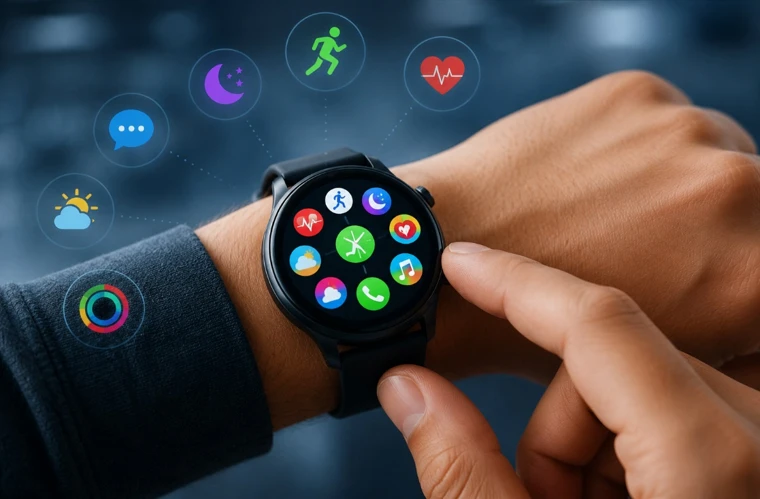
Smartwatch users may interact with applications through several methods:
Tap
Swipe
Long Press
Rotary Crown
Rotary Bezel
Voice
Gestures
Therefore, application design should take the hardware characteristics of each device into account.
For example, on some smartwatches, using a rotating crown or bezel for scrolling can feel more natural than repeatedly touching the screen.
Developers should consider all available interaction methods when designing navigation and controls.
The goal is to make interaction feel natural, fast, and effortless.
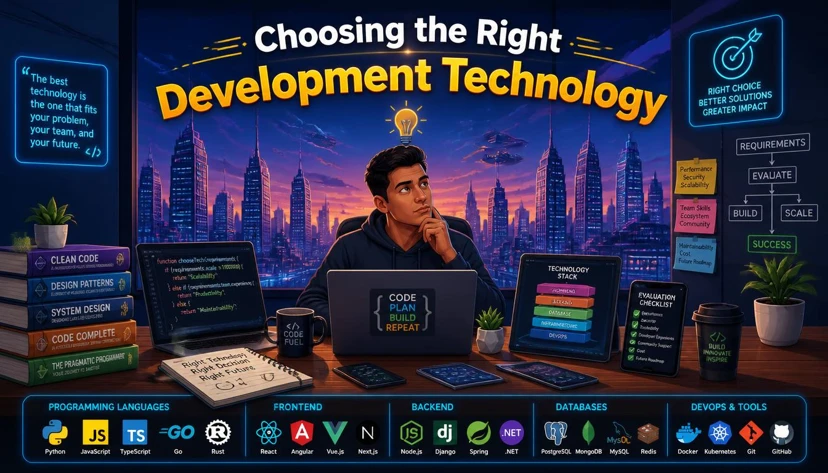
Choosing the Right Development Technology
The appropriate technology depends on the target device and ecosystem.
For Apple Watch, development typically relies on Apple's technologies, including Swift and SwiftUI.
For Wear OS, Android developers can use Kotlin and Jetpack Compose for Wear OS.
For projects targeting multiple platforms, developers can consider sharing business logic while maintaining platform-specific UI layers.
However, technology selection should not be based solely on the amount of code required.
Important factors include:
Hardware API support
Performance
Battery efficiency
Maintainability
Platform compatibility
Security
User experience
For professional projects, choosing the right technology at the beginning can prevent significant technical problems later.
Security and Privacy of Wearable Data
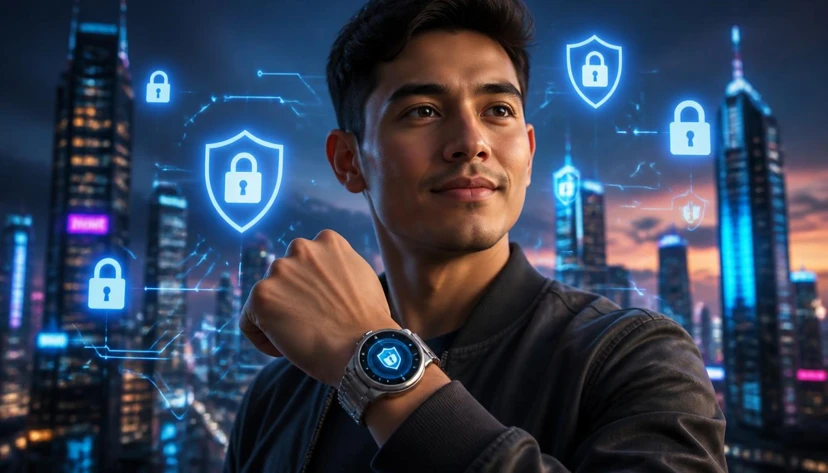
Security becomes especially important when wearable applications handle sensitive user information.
Data such as location, activity patterns, health-related information, and personal details should not be collected unnecessarily or transmitted through insecure channels.
Developers should consider:
Authentication
Encrypted communication
Permission management
Data minimization
Access control
and API security
from the beginning of the project.
Security should not be something added after development is complete. It should be part of the initial architecture.
For enterprise and data-sensitive products, organizations such as Pishgaman Lotus can combine mobile development, software architecture, infrastructure, and security considerations to create more reliable wearable solutions.
Testing Wearable Applications: Simulators Are Not Enough
Another common mistake is assuming that if an application works correctly in an emulator, it is ready for release.
In reality, wearable applications should be tested on real devices.
Important testing scenarios include:
Application performance
Smartphone connectivity
Bluetooth disconnection and reconnection
Sensor behavior
Battery consumption
Notifications
Different screen sizes
Long-term usage
Offline conditions
Low battery situations
Loss of internet connectivity
Wearable applications depend on hardware, software, sensors, and communication between multiple devices. As a result, they often require more comprehensive testing than a standard mobile application.
Real-world testing is essential for identifying problems that may not appear in a simulator.

What Types of Applications Are Suitable for Smartwatches?
Not every mobile application needs a smartwatch version.
A wearable application provides real value when users can perform a specific task faster or more conveniently through the watch.
Fitness Applications
Displaying speed, distance, heart rate, workout duration, and activity progress.
Health Applications
Providing health and activity-related information when supported by the device and appropriate permissions.
Financial Applications
Displaying account information, transaction alerts, or allowing users to approve selected actions quickly.
Navigation Applications
Providing short navigation instructions or route alerts.
Enterprise Applications
Displaying important alerts, system statuses, or allowing quick approvals.
Communication Applications
Providing quick access to messages, calls, and responses.
The key principle is that smartwatch functionality should complement the mobile experience rather than unnecessarily duplicate it.
Common Mistakes in Smartwatch App Development
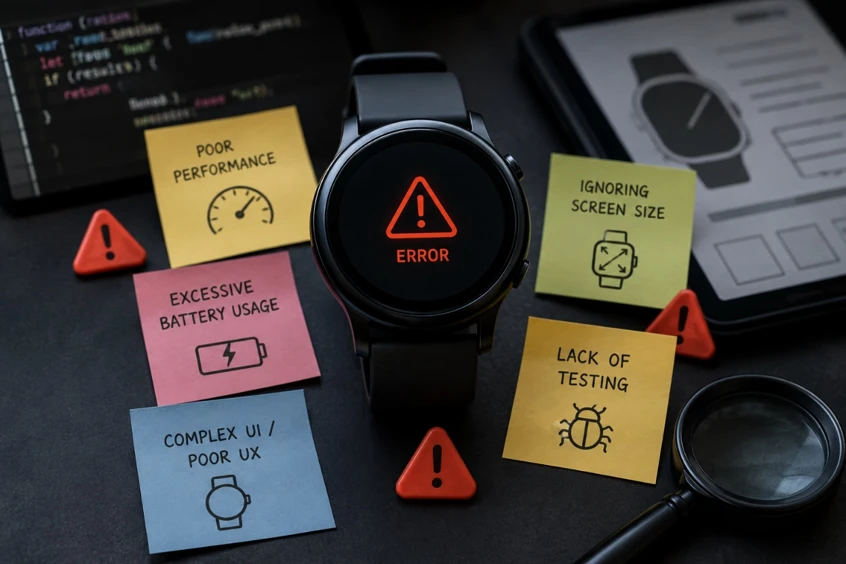
One of the most common mistakes is directly transferring a mobile interface to a smartwatch.
Another mistake is placing too much information on the screen. A small smartwatch display is not designed for complex dashboards.
Excessive battery consumption can also cause users to uninstall an application, even if its features are useful.
Other common problems include complete dependence on a smartphone, ignoring connectivity failures, failing to test on real hardware, and overlooking differences between smartwatch models.
Ultimately, the biggest mistake is treating the smartwatch simply as a secondary device.
A smartwatch is a unique interactive environment with its own limitations, opportunities, and usage conditions. It needs its own user experience.
A Recommended Process for Developing a Wearable Application
The development process should begin by understanding the user's actual needs.
First, determine why the user needs to interact with the product through a smartwatch.
Next, analyze the target platform and available hardware capabilities.
Then define the architecture connecting the smartwatch, smartphone, and backend.
During the design phase, create a wearable-specific user experience and place the most important interactions within the shortest possible flow.
Development can then begin, including features such as sensor integration, notifications, synchronization, and offline functionality.
After development, the application should be tested on real devices and under real-world conditions.
Finally, performance, battery consumption, security, connectivity, and user experience should be evaluated before release.
For software development teams such as Pishgaman Lotus, this approach helps ensure that wearable products are designed around the real characteristics and limitations of the device from the beginning.
The Future of Wearable Application Development
The future of wearable technology will go far beyond displaying notifications and counting steps.
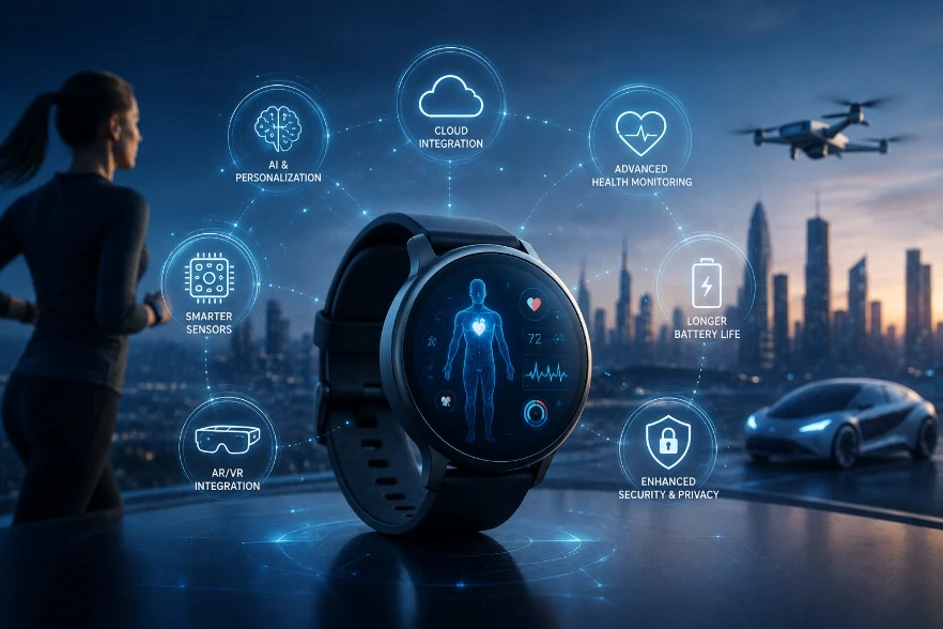
The combination of sensors, artificial intelligence, on-device processing, smartphone connectivity, and cloud services can transform smartwatches into increasingly intelligent interfaces between people and software.
Future applications may not simply display data. They may analyze behavioral patterns, understand context, and provide the right information at the right moment.
Developers will therefore need to pay greater attention to technologies and concepts such as:
Edge AI
On-device processing
Battery-efficient computing
Multidevice experiences
Natural interaction
Data security
This evolution will make wearable application development an increasingly important part of the broader mobile development ecosystem.
Conclusion: A Great Smartwatch App Is Not a Smaller Mobile App
Developing applications for wearable devices requires mobile developers to change the way they think about software.
Small screens, short interactions, limited battery capacity, sensors, smartphone connectivity, offline capabilities, security requirements, and platform differences must all be considered from the beginning.
A successful smartwatch application should be fast, simple, understandable, efficient, and designed around real-world usage conditions.
The combination of mobile development, UI/UX design, hardware awareness, software infrastructure, and security is becoming increasingly important.
Companies such as Pishgaman Lotus, with expertise in mobile software development, product design, and software infrastructure, can apply this multidisciplinary approach to the development of modern wearable products.
Ultimately, the future of applications will not exist only on smartphone screens.
Part of that future will be right on the user's wrist.
Our articles:"Edge AI in Mobile Apps: AI Without Internet"
Blog Tags
Similar Blogs

Financial & Cryptocurrency App Security: Building a Hack-Resistant Mobile App


The Future of Cross-Platform Development: Flutter, React Native & AI
Edge AI in Mobile Apps: AI Without Internet
Have special project to begin?
Contact us if you need a unique website for your special requirements, if you think having a mobile application help you reach your business’s goals or you still do not recognize which product can help you implement your ideas. Lotus Pioneers accompany you to develop your business through consulting and by designing special products.